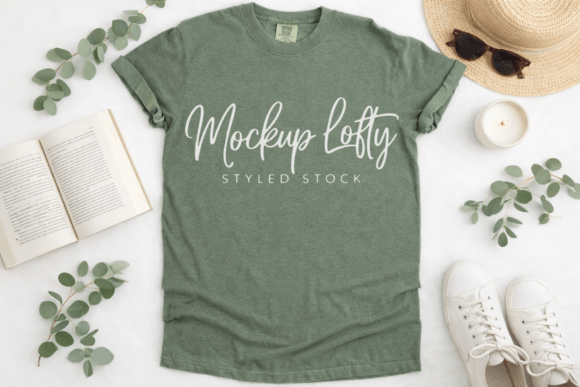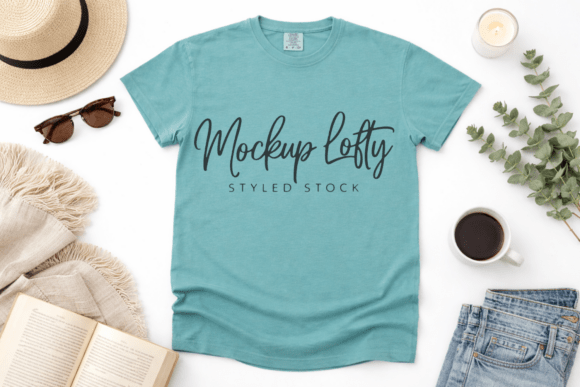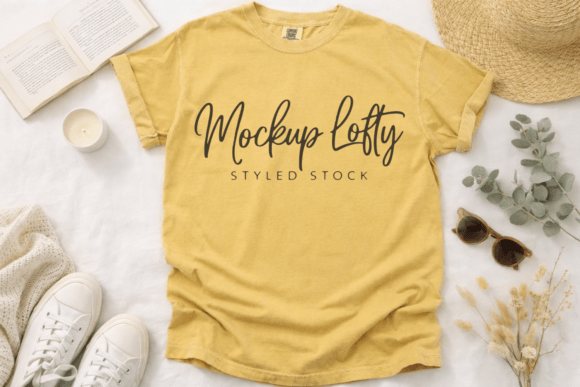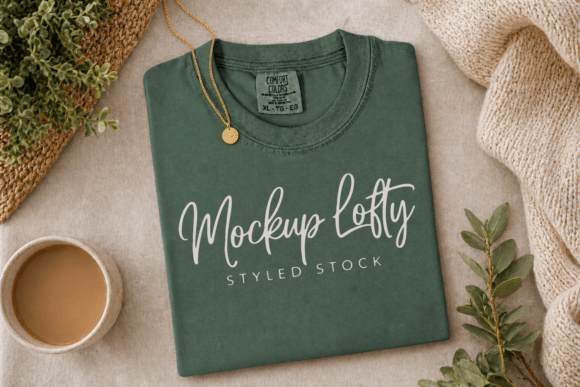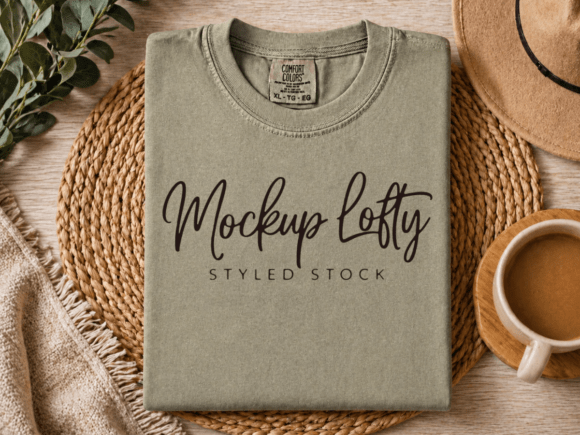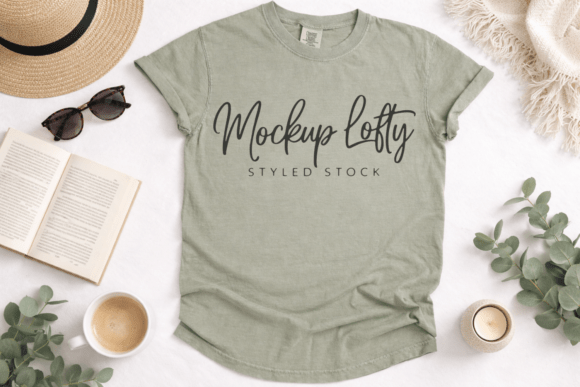
C1717 Sandstone Flat Lay T-shirt Mockup
The C1717 Sandstone Flat Lay T-shirt Mockup is a high-fidelity, ready-to-use visual asset designed for designers, brand builders, and product creators who need to present apparel designs with clarity, consistency, and quiet confidence. Unlike staged or lifestyle mockups that rely on models or busy backgrounds, this flat lay version places your artwork front and center—on a clean, neutral sandstone-toned surface—emphasizing shape, texture, color accuracy, and design integrity. It’s not just a placeholder; it’s a deliberate tool for communicating quality before a single garment is printed.
This mockup corresponds to the Comfort Colors 1717 unisex soft cotton tee—a widely used blank in print-on-demand, DTG, sublimation, and screen-print workflows. Its flat lay orientation means no folds, shadows, or distortion obscures your graphic. You’re presenting what matters: how your typography, illustration, or layout interacts with the shirt’s natural drape and neckline. That makes it especially valuable during client reviews, marketplace uploads (like Etsy or Creative Market), or social media campaigns where first impressions hinge on visual coherence—not production noise.
Where It Fits in Your Design-to-Delivery Workflow
Think of the C1717 Sandstone Flat Lay T-shirt Mockup as a bridge between creation and communication. It doesn’t replace your design software—but it extends its usefulness. Before finalizing a vector file, drop it into this mockup to assess scale, contrast, and balance against real-world garment proportions. During client handoff, it replaces generic white-background renders with something warmer and more tactile—subtly reinforcing your brand’s attention to detail. After launch, it becomes part of your consistent visual library: same lighting, same angle, same tone across every product image.
For sellers using platforms like Printful, Gelato, or Amazon Merch, this mockup saves time without sacrificing professionalism. Instead of waiting for physical samples or stitching together layered PSDs, you generate retail-ready visuals in minutes. For educators teaching branding or merchandising, it serves as a repeatable case study in visual hierarchy—how minimal context elevates perceived value.
Practical Integration Tips
Start with compatibility. The mockup arrives as a JPEG at 300 DPI—no layers, no smart objects, no hidden dependencies. That means it works in Canva, Photoshop, Affinity Photo, GIMP, or even PowerPoint. If you're using a platform with built-in mockup tools (like Placeit or Smartmockups), this file isn’t meant to replace them—it complements them. Use it when you need full control over placement, blending modes, or color correction without relying on third-party rendering engines.
Match your output intent. Because it’s a flat lay, avoid forcing perspective-heavy designs into it. Center-aligned logos, chest prints, and full-front graphics translate cleanly. For sleeve or back placements, pair it with a complementary angled or draped mockup—but keep the sandstone base consistent across your suite for visual continuity.
Prepare your source files thoughtfully. Use transparent PNGs with crisp edges and sRGB color profiles. Resize your artwork to match the visible print area shown in the mockup guide (usually marked with subtle crop lines or included in a separate PDF). Avoid upsampling low-res graphics—the mockup’s 300 DPI resolution will expose pixelation quickly.
Real-World Use Cases Across Roles
- Freelance designers: Include the C1717 Sandstone Flat Lay T-shirt Mockup in your proposal decks. Clients see their concept rendered on an actual garment profile—not abstract shapes—making feedback faster and more specific.
- Etsy sellers: Upload three variations per listing: flat lay, folded shirt mockup, and lifestyle shot. The flat lay builds trust through transparency; the folded version hints at packaging and gifting appeal; the lifestyle image adds emotion. All three share the same color-corrected base, reinforcing professionalism.
- Small business owners launching a summer collection: Use the mockup to A/B test colorways. Swap your design across sandstone, heather grey, and navy base versions (if available) to preview how contrast shifts across fabric tones—before committing to inventory.
- Content creators building a brand identity: Apply your logo lockup consistently across this mockup, your notebook mockup, and your tote bag template. That repetition trains your audience to recognize your visual language—even without text.
Quality Control and Long-Term Consistency
Because this mockup is delivered clean—no watermarks, no embedded text, no forced branding—you retain full creative authority. That’s critical for commercial use, whether you’re licensing designs, running ads, or building a Shopify theme. But authority also brings responsibility: audit your outputs regularly. Check that exported JPEGs maintain 300 DPI, that color profiles haven’t shifted during export, and that file naming stays consistent (e.g., “CC1717_FlatLay_SummerSale_V2.jpg”). A simple folder structure—organized by project, date, and variant—keeps revisions traceable and reuse efficient.
Over time, treat this mockup as part of your brand’s visual infrastructure—not a one-off download. Revisit it quarterly: does it still reflect your current aesthetic? Does it align with new product lines? Has your target audience’s preference shifted toward warmer or cooler neutrals? The sandstone tone was chosen deliberately—not too beige, not too grey—to sit comfortably beside earthy palettes, pastels, and bold primaries. But if your brand evolves toward stark monochrome or vibrant contrast, consider pairing it with a second flat lay in charcoal or oatmeal for flexibility.
Workflow Synergies and Platform Pairings
This mockup integrates smoothly with common tools but shines brightest when paired intentionally. In Canva, use it as a background layer behind your design—then add subtle drop shadows or texture overlays to mimic fabric grain. In Adobe Express, combine it with your brand font library to generate cohesive social tiles. For POD sellers, upload it directly to your store dashboard as the primary product image, then use the same file (resized) for Pinterest pins and email headers—ensuring cross-channel recognition.
It also works well alongside analytics. Run two ad variants: one using this flat lay, another using a model-based mockup. Track click-through rate, time-on-page, and conversion. You’ll often find the flat lay outperforms in consideration-phase campaigns—where clarity and speed matter more than aspirational context.
Final Considerations for Sustainable Use
The C1717 Sandstone Flat Lay T-shirt Mockup supports efficiency—but only if treated as a system, not a shortcut. Don’t default to it for every use case. Reserve it for moments where neutrality, precision, and scalability are priorities: spec sheets, wholesale catalogs, investor decks, or press kits. Save lifestyle or environmental mockups for storytelling moments—launch announcements, seasonal campaigns, or community features.
And remember: mockups don’t sell products—they clarify intent. When your audience sees this clean, grounded presentation, they’re not just seeing a t-shirt. They’re seeing intentionality. They’re seeing craftsmanship. They’re seeing a brand that values substance over spectacle. That alignment—between tool, process, and message—is what turns a functional file into a strategic asset.